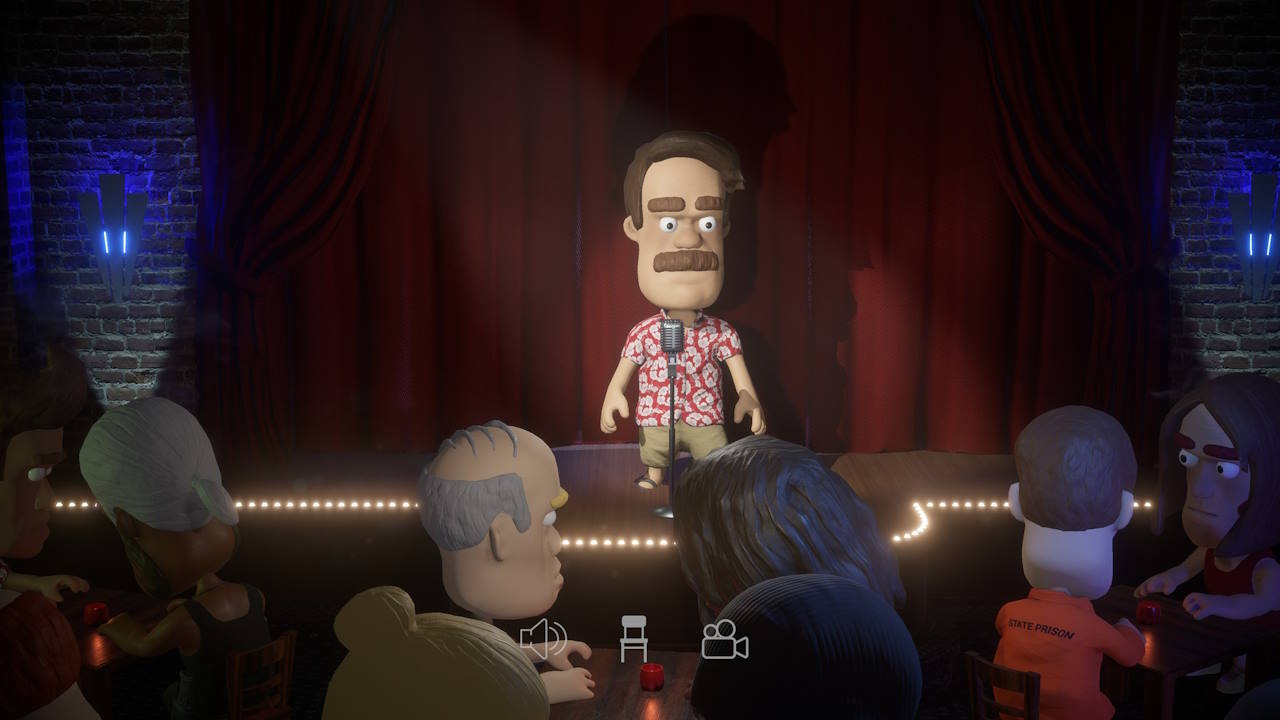
Comedy Night
Account Deletion
Launch the game and open the Options menu (Gear Icon in the top right of screen).
Tap the "Delete User Account" button.
You will be prompted to confirm the deletion request.
Once the deletion is confirmed, your account will be permanently deleted this may take up to 48 hours.
You will permanently lose access to your account and all associated data, including your in-game progress and purchases! This action cannot be undone.
You can review the Comedy Night privacy policy here.